CMMS news: analytics and planner | May 2019

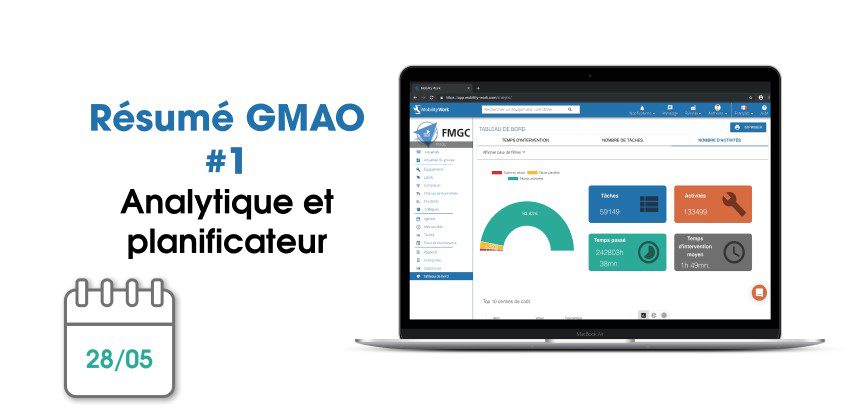
Each month, find on our blog a summary of the news brought to Mobility Work CMMS. Over the past weeks, our teams have mainly focused their attention on new analytical tool, now available to all users directly in the tool, from the Dashboard menu. This tool is essential for teams since it allows them to visualize, in the same place, all their industrial maintenance data. It is thus easier for them to define the best maintenance strategy to put in place (predictive, predictive, preventive...) and to optimize the processes in place.
Improvement of the analytical tool
The past month was marked by the arrival of the new analytical tool, accessible from the Mobility Work Dashboard menu, and by its improvement over the weeks. Thanks to this flagship software tool, all maintenance data is compiled in the same place, to allow all users to analyze the actions carried out and maintenance managers to, for example, gather the right data for morning meetings with their teams.
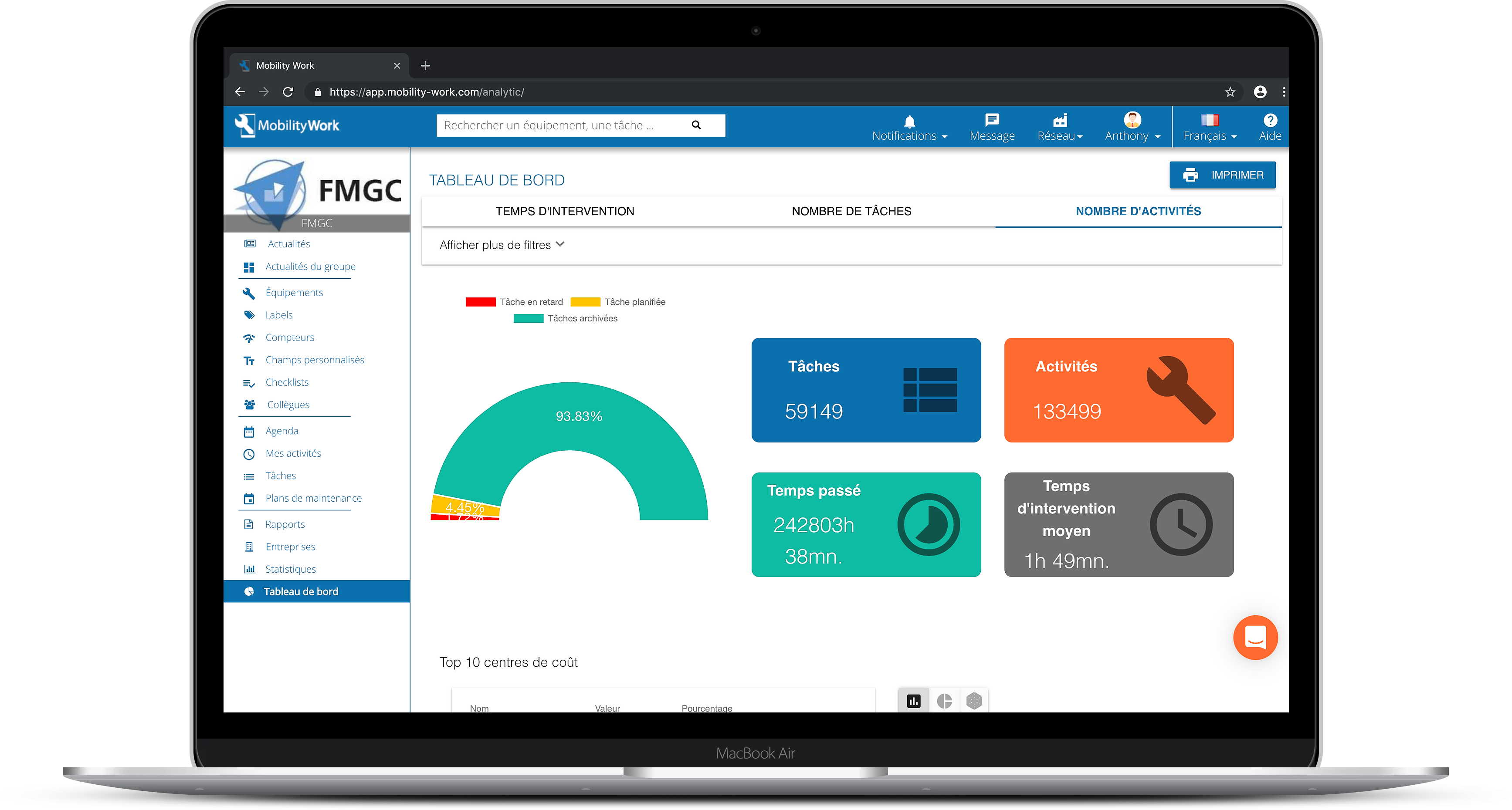
Find an analytics tool in Mobility Work CMMS to analyze all your maintenance data and adapt your strategy
Intervention time on machines and tasks, number of tasks and activities carried out over the selected period, top ten cost centers, top ten labels used to classify the tasks performed (curative, preventive, mechanical, mechanical, night shift, etc.)... All these indicators will allow users to have a general overview of their work and managers to draw conclusions to seek to improve their processes.
Discover our analytical tool in detail
Focus on what's new:
- New graph showing the evolution of the number of tasks
- New graph showing the evolution of the number of activities
- New graph showing the evolution of the past time
- On the evolution graphs, display in hours and minutes of the tooltip that appears when you pass over a point on said graphs
- Display charts in month mode by default
CMMS: a planner for administrators
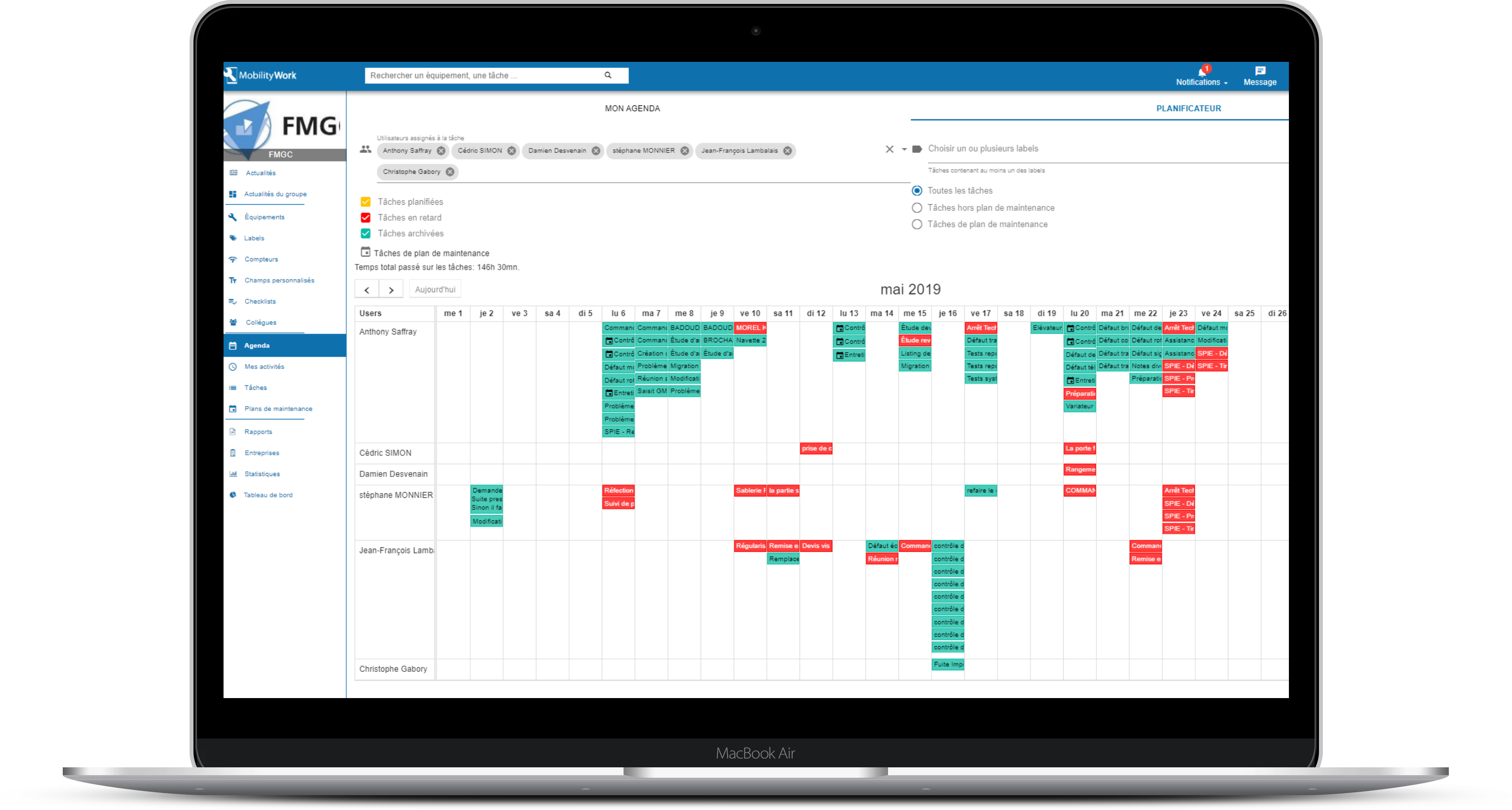
Thanks to Mobility Work, users have access to a calendar, which allows them to better visualize the tasks they have to carry out over the coming months or weeks and to plan their preventive measures. They also have a filter panel, thanks to which they can see the agenda of one of their colleagues, to display only scheduled, overdue or archived tasks, to choose one or more labels or to show the tasks contained or not contained in maintenance plans. The tool also provides the user with the total time spent on the tasks that appear for the selected month.
This month, our teams have therefore developed a planner, which complements the agenda. This new function is only accessible to administrators of the network (s) to which they belong, from the Agenda menu: it gives them the possibility, always using the same filter panel, to view the tasks of several of their technicians at the same time and to move these tasks to better organize the days of their teams.
An even more intuitive CMMS
In addition to the development of these two major new tools, we have also made some changes to your CMMS.
Thus, it is now mandatory for users to change their password after requesting a reset, in order to keep their data safe. Our teams have also fixed some minor bugs in parallel.
Our software is improved every week to best meet the different needs of users and to offer them an intuitive, easy to use and scalable solution. Thus, we adapt to all types of industries and all sectors with a key idea: to recentralize information to simplify daily industrial maintenance!
To continue to follow our news and stay informed of our news, subscribe to receive our updates!
Any questions?
Contact us to discover the first CMMS that can be deployed in 3 weeks.