CMMS news: how to become more efficient | May 2020

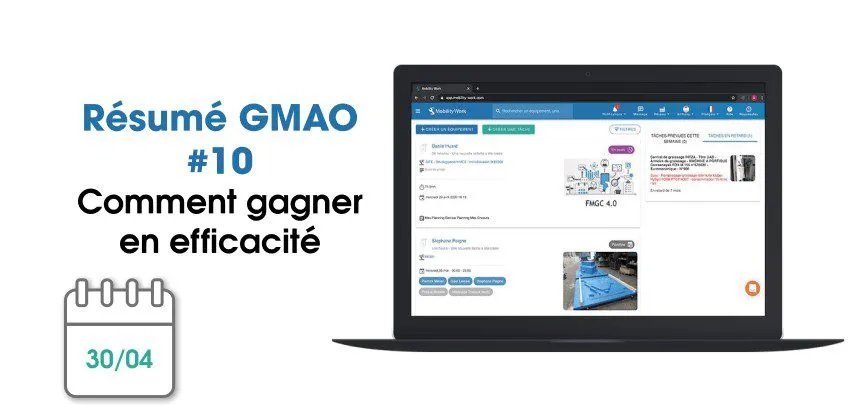
Each month, find on our blog a summary of the news brought to the CMMS software (computer-aided maintenance management) from Mobility Work. This month, we are offering you numerous improvements that facilitate your navigation on the application and allow you to become more efficient.
Also discover our new features on video!
Discover an optimized web interface
We have improved our existing functionalities to continue to best support you in your daily maintenance activities.
Manage spare parts and tasks more easily
If you already had the possibility, directly from the CMMS, to manage all of your spare parts to monitor your stocks, this month we improved the calculation of spare parts to be replenished. This improvement meets a user need to facilitate this management.
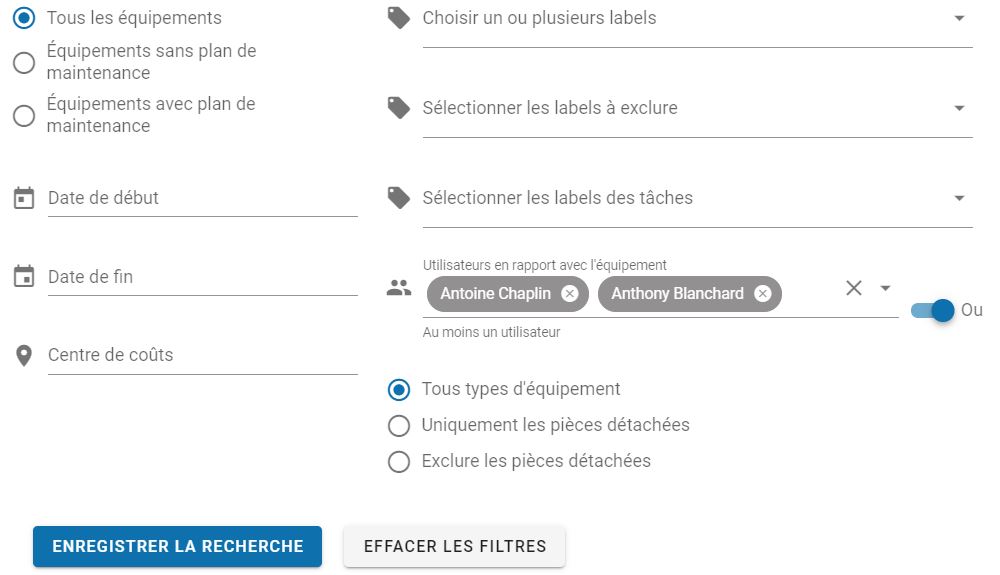
Always for the sake of optimization and to make you gain more efficiency in the field, the filter panel on the search for tasks, activities or even the calendar now allows you to apply an option and/or when you select assigned users.
Better ergonomics
Our teams have also updated your navigation bar: in addition to its new design, you now have the possibility to hide the side menu to show only the information you need and benefit from better navigation.
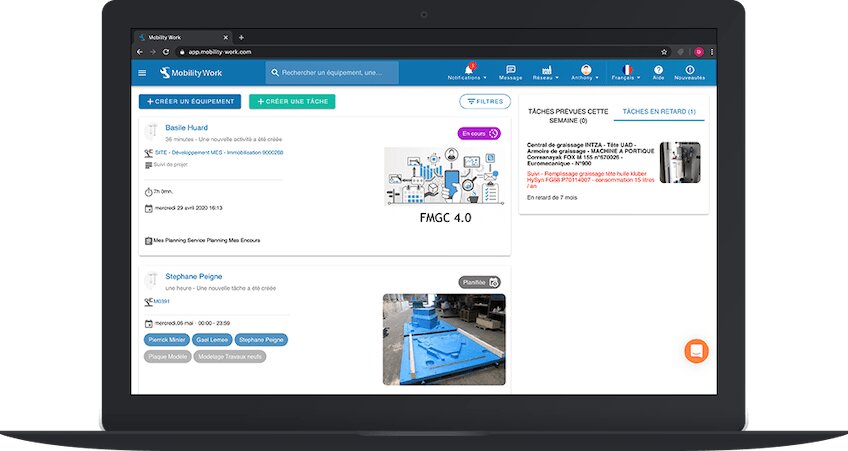
The agenda is now more ergonomic and will continue to be improved in the coming weeks. We also harmonized the icons between the web and mobile versions to facilitate navigation and find your way around more quickly.
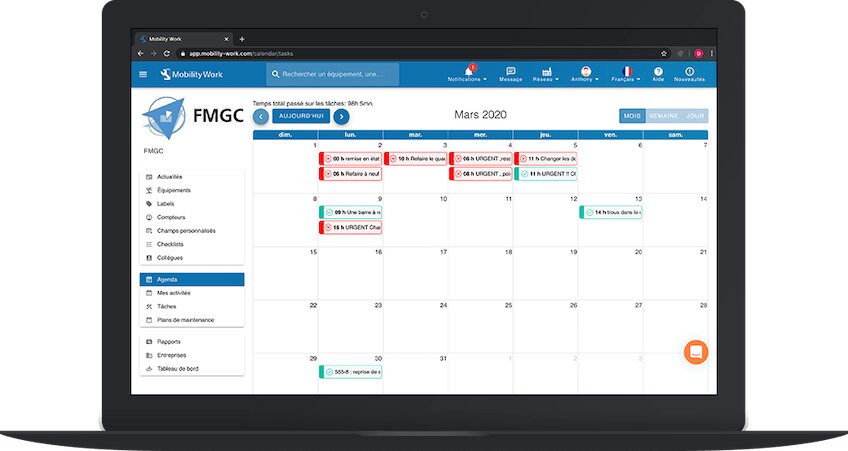
At the same time, find new task statuses, visible from the News Feed, which are five in number: planned, in progress, started late, late, completed. These statutes will then be extended to the rest of the application.
Easy handling of CMMS
Mobility Work is an easy-to-use maintenance management platform: it is therefore easy to deploy and adopt. To help you during your trial period, you can now find our presentation videos directly in the tool, via the button at the bottom right of the screen.
→ Discover our guide to best adopt your new CMMS
A more intuitive mobile CMMS
The main improvement consists in the calendar view of the tasks of an equipment, now available from the sheet of the equipment concerned. So, all you have to do is connect to the CMMS from your smartphone to open the form and know which tasks are scheduled or overdue in the blink of an eye.
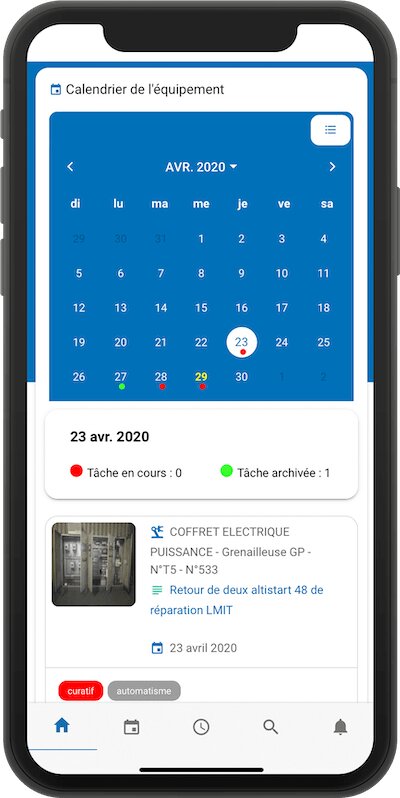
As on the web version of your CMMS, you can view the five new task statuses from the mobile interface and access the “and/or” function in the search filters. They have also been improved, to make the maintenance management platform even more intuitive.
To continue to follow our news and stay informed of our news, subscribe to receive our updates!
Any questions?
Contact us to discover the first CMMS that can be deployed in 3 weeks.