CMMS news: checklists and maintenance plans | June 2019

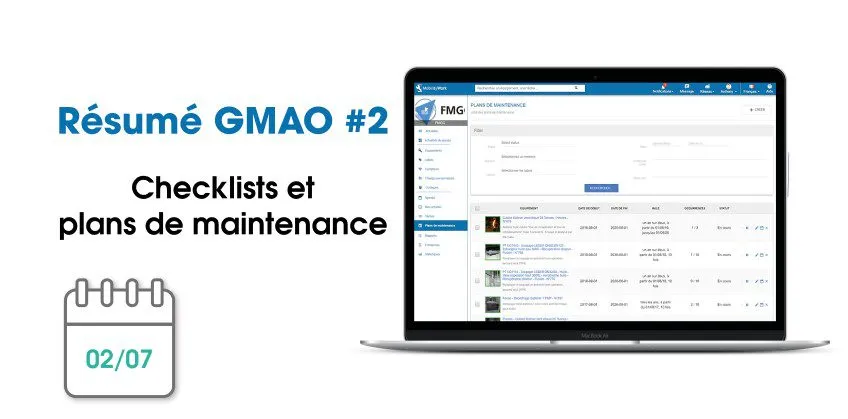
Each month, find on our blog a summary of the news brought to Mobility Work CMMS. Over the past weeks, our teams have been working on several new features and improvements to better meet your needs and offer you more flexibility.
Manage your maintenance plans in CMMS
Mobility Work CMMS allows its users to manage their maintenance plans easily: these are added directly by operators to the equipment that makes up the factory's machine park and helps industrial maintenance teams to keep track and monitor very precisely all their operations. Thanks to this feature, technicians and managers better circulate information and exchange fluidly between teams.
This month of June therefore made it possible to further feed this tool by giving users the opportunity to directly add a checklist, created beforehand by a member of the network, on a maintenance plan, during its creation. In one click, the CMMS user will enter the checklist that corresponds to their needs in order to respect a clear process.
These maintenance plans, along with all other tasks and activities, will then be carried over to the calendar, ideal for helping users navigate through team work planning. Now, you can choose how to view the calendar by changing the time range or the date, for greater precision.
Create your tasks and organize your days easily
Other significant improvements have been noted over the past period. Initially, the form for creating tasks in your CMMS software has been improved, it now allows you to better take control of the mandatory labels and to create a task over a time range and/or a date.
The planner, for its part, available directly in the CMMS solution for users with an administrator profile, allows managers to display, on a single calendar, the agendas of several users at the same time. They can thus move scheduled tasks from one date to another by dragging the task. Thanks to the new update, the administrator can now view this calendar in week mode for a more accurate visualization of activities.
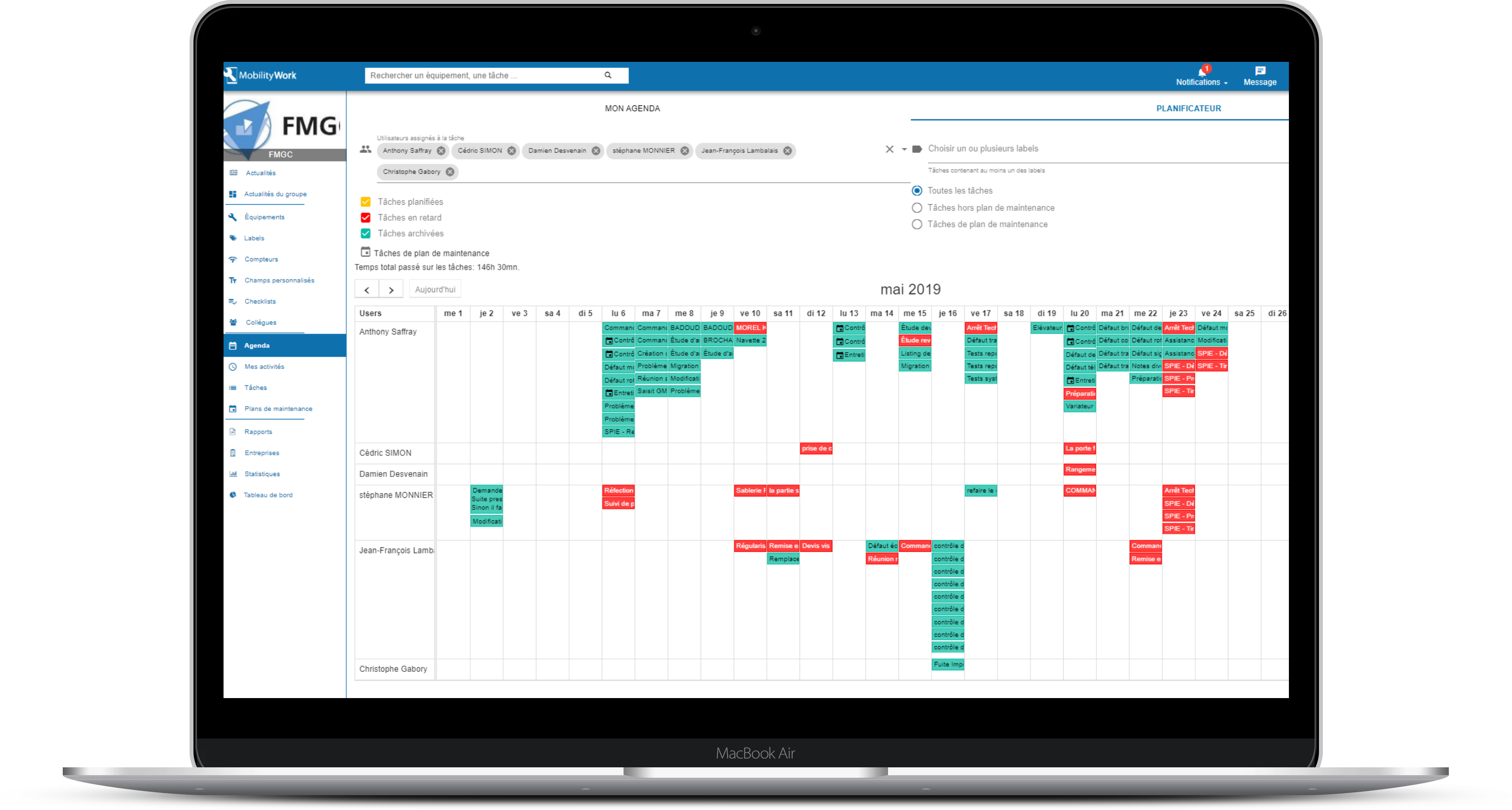
Administrators have access to a planner, which allows them to see the calendar of several technicians in the same place and to organize their days in the best possible way!
The latest improvement concerns the dashboard, also called analytical tool, which is accessible to all users. Thanks to it, teams can visualize all the data they have entered into the CMMS in the form of graphs, which show you for example, according to the period, the equipment, the users, the labels, etc. selected, the number of tasks carried out, the time spent in maintenance, the time spent in maintenance, the most active users, the most used labels (curative, preventive, mechanical...), etc.
This maintenance data analysis tool is particularly useful for team managers who can rely on it to organize their morning meetings or do regular reviews of plant activities. It will also help you adapt your maintenance strategy according to the malfunctions observed and, why not, to set up predictive maintenance. Thanks to the work of our teams, you can now print the various graphs from the CMMS and thus make them more visible for all technicians.
Our software is improved every week to best meet the different needs of users and offer them an intuitive, easy to use and scalable solution. Thus, we adapt to all types of industries and all sectors with a key idea: to recentralize information to simplify daily industrial maintenance!
You can log in to your Mobility Work app now to discover new features or sign up for 7-day free trial ! And to continue to follow our news and stay informed of our news, subscribe to receive our updates!
Any questions?
Contact us to discover the first CMMS that can be deployed in 3 weeks.