Importing your data into your CMMS
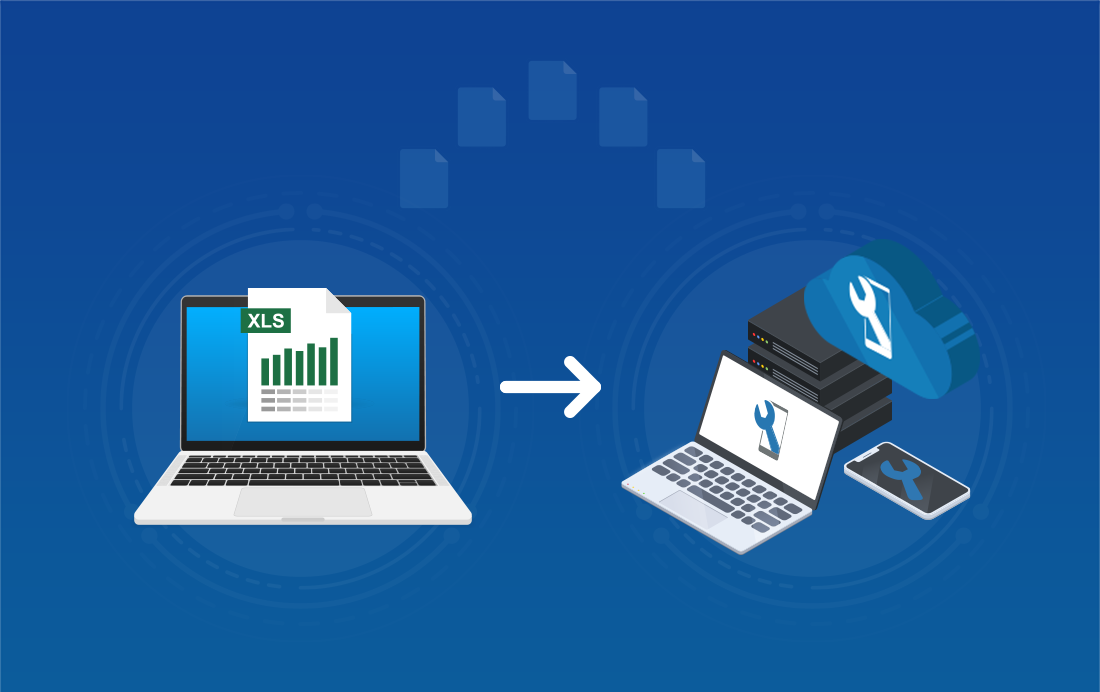
You have taken the plunge and decided to opt for a Next generation CMMS ? Buying maintenance software is often a difficult step. Will your teams get used to this new tool? Will you risk losing all the data collected so far? At Mobility Work, we support you in the import of your data.
Importing data into your CMMS from an Excel file
To facilitate your data imports into our maintenance software, we suggest that all users send us all of their information in Excel format (equipment, spare parts, maintenance history, maintenance plan...) and integrate in the app.
Retrieve our import frames
To get our import frames, thank you for contacting us.
CMMS allows you to import the following information:
- Users
- Labels
- equipments
- sub-equipment
- spares
- maintenance histories
This Excel file is a document dedicated only to importing your data into your CMMS, and not to modifying or updating existing data. Also note that respecting the configuration of this frame is essential: by following the instructions to the letter, the import can be done more quickly
Once this import has been completed, you will also be offered by your account manager to proceed with the import of your maintenance plans.
Data to be provided to import your histories
Importing users
- First name
- noun
- type of profile
- email address
Importing labels
- List of labels
Importing equipment
- Equipment name
- Equipment description
- Cost center (financial or geographical division of your equipment)
- The names of the images associated with your equipment (in .zip format)
- Associated labels or keywords, essential to the analysis of your data
- The links between the equipment if it is a subset or a component
It is also possible to link sub-equipment to one or more devices that you have just imported.
The data required to import linked equipment almost identical to that of the Equipment: the only box that differs is the first, dedicated to the master equipment or to the master equipment.
Learn more about creating your equipment sheets
Importing maintenance histories
For your maintenance history imports, we will need the following information:
step 1: Task information (=work orders)
- Equipment name
- Intervention date
- Description of interventions
- Associated label (s) (preventive, electrical, mechanical, etc.)
- Name of those assigned to the intervention
step 2: Information relating to the activities carried out on the tasks
- Activity description
- Activity date
- Duration of the activity
- Names of assignees
Importing spare parts
- Master equipment
- Name of the spare part or spare part (model - brand - reference)
- Description of the spare part
- Spare part cost center (financial or geographic division)
- The names of the images associated with your spare parts (images in zip format)
- Associated label (s) (preventive, electrical, mechanical, etc.)
- Location of your spare part in your store
- Unit price
- Stock value
- Minimum stock value
- Maximum stock value
Learn more about creating spare parts
For import your maintenance plans, all you have to do is send us all the information you have in Excel format. We will then contact you to discuss how to integrate into your Mobility Work maintenance software.
If you want to test with Mobility Work, we can import and integrate your data into a test database. It is also possible to import a set of tasks at any time, such as regulatory interventions to be carried out from your regulatory reports. You can therefore ask us at any time to integrate any new information into your CMMS.
Vous avez des questions ?
Contact us to discover the first CMMS that can be deployed in 3 weeks.