CMMS news: chat and inventory management | April 2020

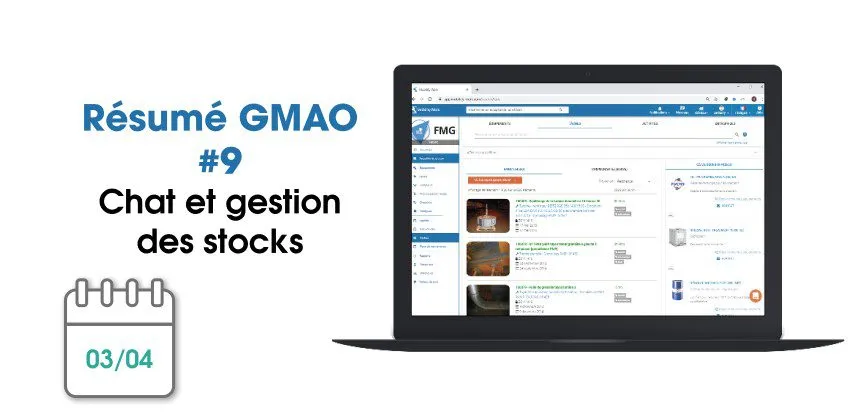
Each month, find on our blog a summary of the news brought to the CMMS software (computer-aided maintenance management) from Mobility Work. This month, find out how to use the speech recognition in your software and better organize yourself thanks to your Calendar on mobile.
You can also discover our new products on video!
What's new on the web side of CMMS?
In recent days, you have seen new features arrive on the web version of your CMMS software, of which here is an overview.
Extensive speech recognition functionality
Mobility Work is a community maintenance management platform, one of whose major objectives is to save you precious time. For this reason, we wanted to extend speech recognition to the web version of our solution.
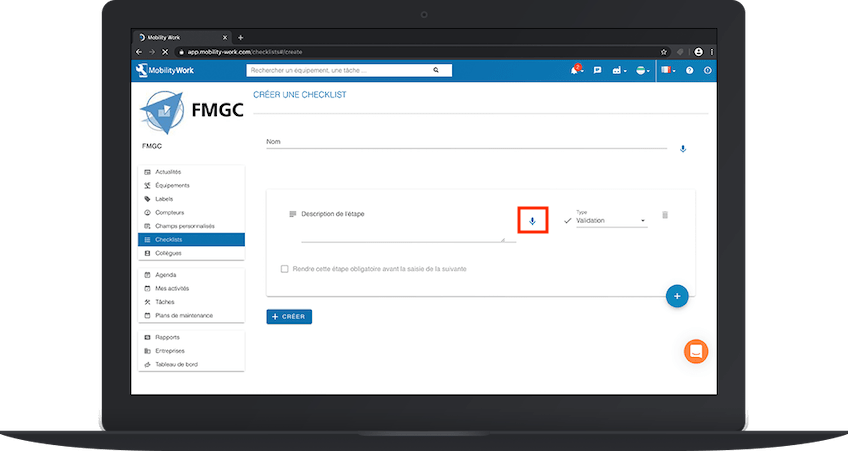
From now on, you can fill in your checklists orally when they are created (name, description of the various steps), your labels and groups of labels as well as your custom fields.
Better management of tasks and activities
With the latest updates from the GMAO, it is no longer possible to add an activity to a task that has already been archived. At the same time, only users with an Administrator profile can unarchive a task.
Also note that today task names can only be changed by the person who created them, in order to ensure the best traceability of all your operations.

Mobility Work allows operators and technicians to be autonomous: calendar, checklists, creation of tasks, maintenance plans, notifications for each new activity...
A mobile CMMS application that meets your needs as closely as possible
Following the redesign of our maintenance management mobile application at the beginning of the year, our teams continue to offer you several new features.
Increase speed thanks to filters
All you have to do is filter your search, thanks to a now improved filter panel, to find the information you need on your equipment, your tasks, the users assigned to the activities, the machines with or without maintenance plans... Also use the filters in the search to display the tasks according to their scheduled date, in ascending or descending order.
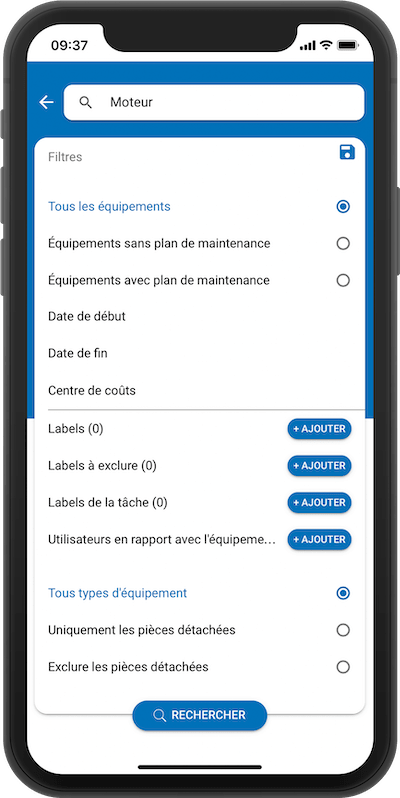
You also have the option of Classify your labels by color, to find the same codes as on the web software.
Real-time chat functionality
Use the chat feature to contact colleagues and chat with your team in real time and directly from the field. You can also create groups if you want to disseminate information in a more global way.
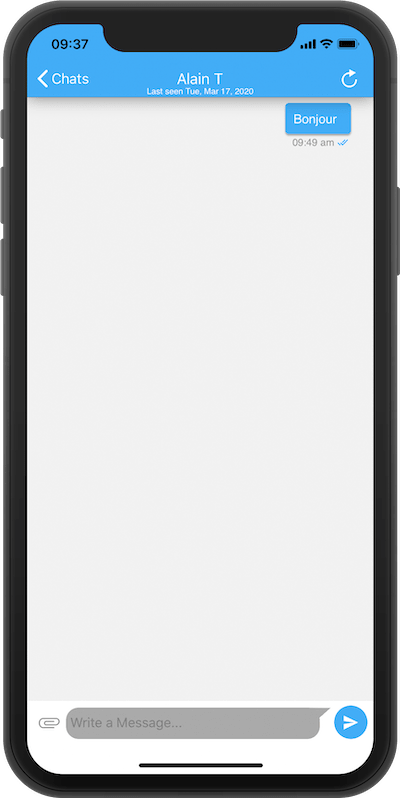
Thanks to this possibility, you save time if you need to intervene on critical equipment since you are informed in a few seconds and you can respond and react immediately.
Manage your stocks on mobile
Consult now the “Inventory Management” tab in the menu on the left and find a certain amount of information, including:
- The number of spare parts in your network
- The number of spare parts to be restocked
- The list of your spare parts
- The possibility to change the stock in one click
- The possibility of replenishing stock quickly
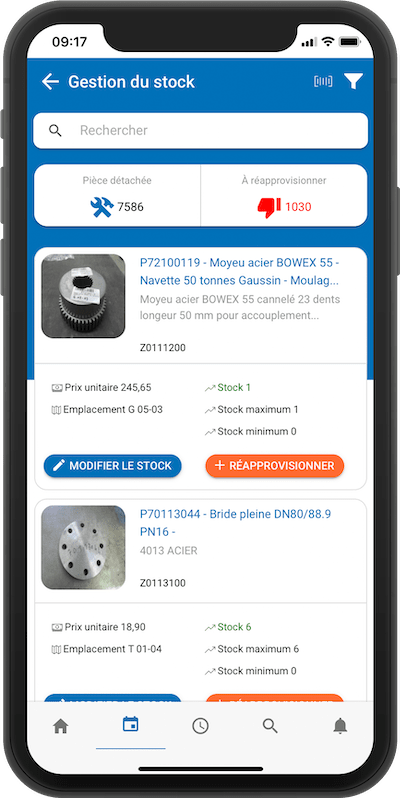
With this new option, accessible to administrators, you are looking for specific parts that you may need, you can filter them or scan their QR codes.
Get better organized thanks to the My Agenda tab
Finally, find a new menu, My Agenda, in your mobile CMMS application. There, you can view all your tasks (archived, current or future) in calendar format.
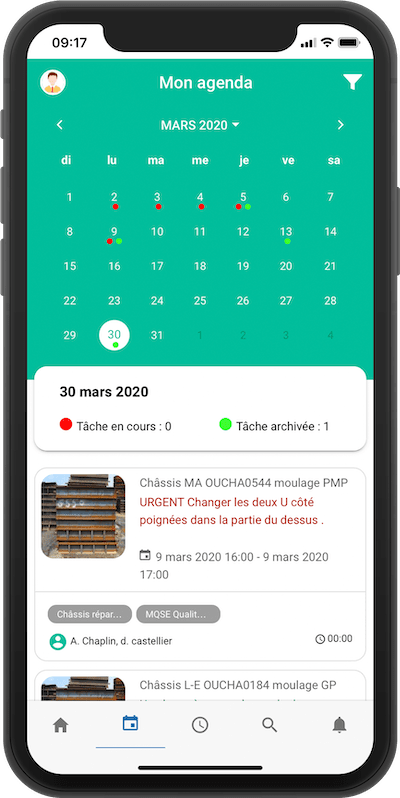
In the blink of an eye, the technician can check what he has to do during the day, in the week or in the current month, and thus make sure not to miss any information. All he has to do is select a day to display the list of tasks that have been assigned to him, and to track their status.
To continue to follow our news and stay informed of our news, subscribe to receive our updates!
Any questions?
Contact us to discover the first CMMS that can be deployed in 3 weeks.