CMMS: Example of deployment in a factory

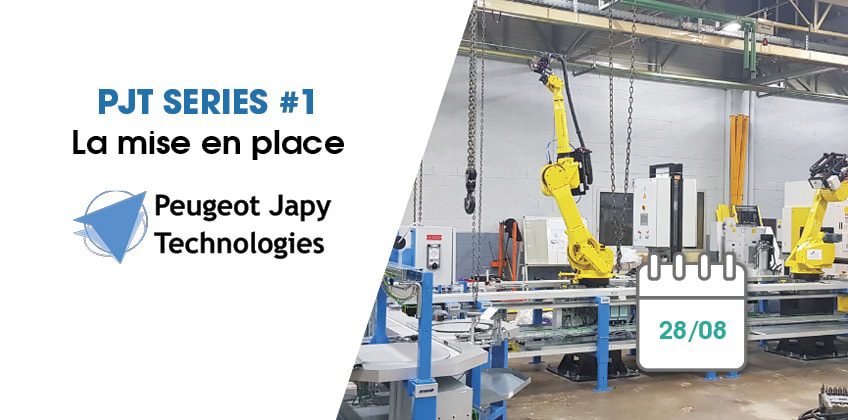
Historic factory of the Maike Automotive group located in the heart of Doubs, in Valentigney, Peugeot Japy Technologies (PJT) has been taken over since April 10, 2018 by Farinia Group, specialist in the transformation of materials (forging, foundry, metal additive printing). The factory was created in 1830 by the Peugeot and Japy families, the latter being originally specialized in the textile industry, and has been manufacturing automotive components ever since. It specializes in the production of gearboxes, mainly for the PSA and General Motors groups.
This factory with 500 employees, including 180 temporary workers, was placed in receivership in February 2018, and was struggling to convince the buyers. At the end of the negotiations, it was decided that Farinia Group, assisted by its various partners and local customers, would proceed with a strategy for the comprehensive recovery of the factory.
For several months now, the teams have decided to adopt a new tool to gradually get back on the ball and relaunch their industrial maintenance: Mobility Work, a new generation computer-aided maintenance management (CMMS) application and the first social network dedicated to maintenance professionals. Mobility Work is available in two versions, web and mobile (on iOS and Android).
This first episode of our web series is therefore an opportunity to show how the deployment of Mobility Work, a next-generation SaaS application hosted in the Cloud, is taking place, through the implementation of the tool in the Peugeot Japy Technologies factory!
Step 1: Equip the factory and technicians
To launch the deployment of Mobility Work CMMS, maintenance technicians must be equipped with mobile phones or tablets, since the tool is mobile and therefore allows them to move from one machine to another while continuing to fill in the information necessary for the proper functioning of the factory. Peugeot Japy Technologies technicians are now equipped with mobile phones, and several screens, including one touchscreen, are being configured to be installed in the factory and give technicians the opportunity to access the news feed very quickly.
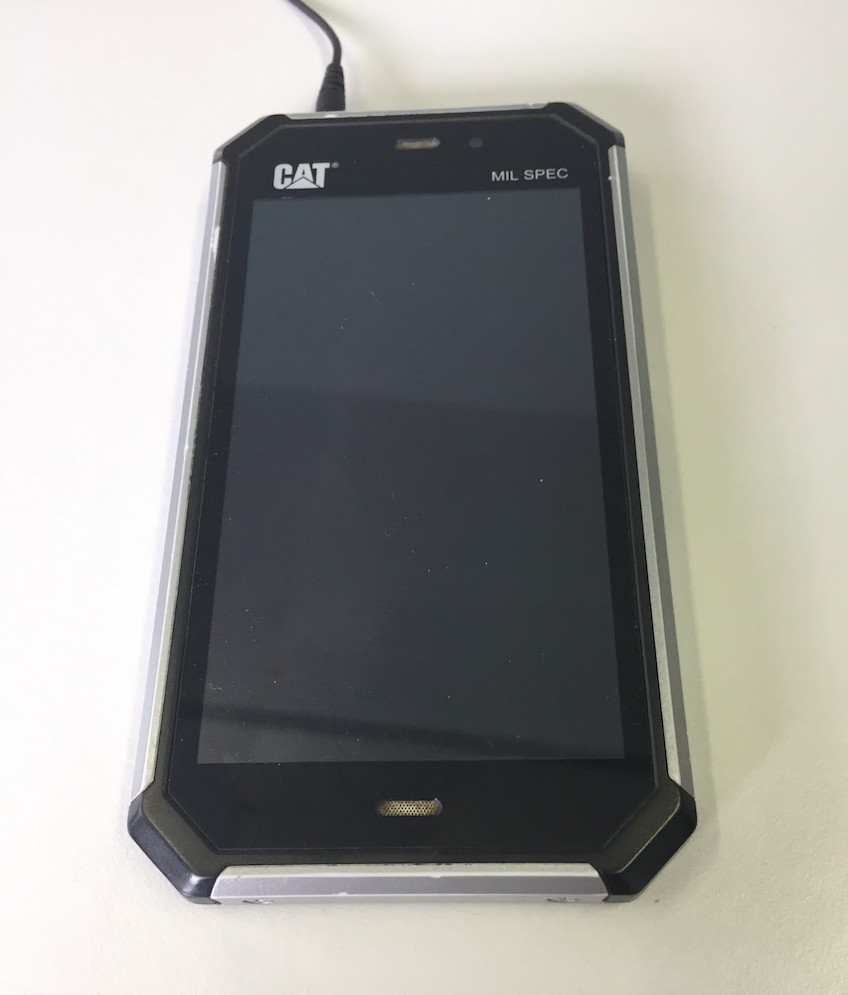
It is therefore important, first and foremost, to choose what type of support is best suited to your use. We recommend tablets for the ease of entering information and the comfort of reading and navigating the interface they allow, while telephones will certainly be more practical to carry: they are smaller and fit in your pocket, and of course allow you to make calls directly if necessary. Finally, if you opt for telephones, make sure they have chips.
To counter possible Wi-Fi connection problems, also make sure that the speed is high enough so that all technicians can safely use the Mobility Work application correctly.
Step 2: link your ERP and import your data
If you used an ERP and want to keep your data, all you have to do is find the ID of the equipment in the latter and use the same when you create the equipment sheet in your new CMMS. Enter the information you have in the various fields and thus populate the database.
As the deployment of the Mobility Work application has shown, you can quickly import all your data into the software for free, including those contained in your old CMMS. All you need to do is download the import frame in Excel format and indicate the following information for your equipment for example: their name, description, cost center, links between the various equipment if necessary, the associated keywords, the names of the images that you associated with the equipment... Find all the information you need on this subject hither.
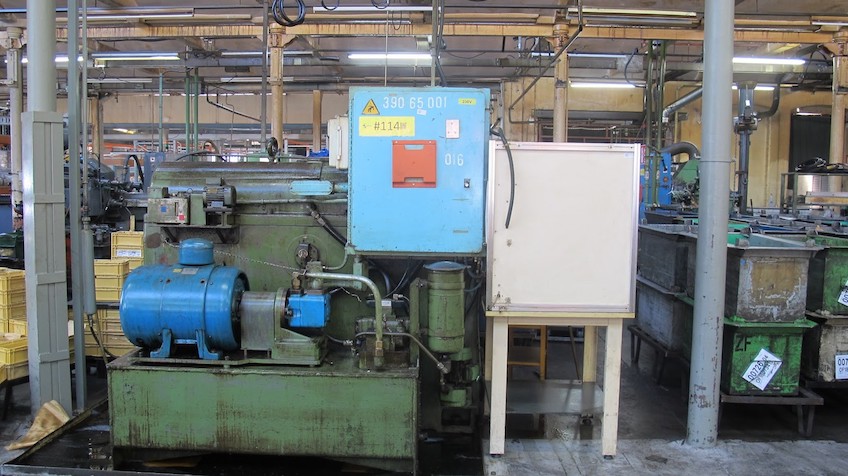
Here, at the Peugeot Japy factory, it was necessary to gather all the information on the numerous equipment and other maintenance plans of the structure to create the import framework in order to register everything in Mobility Work and to start from a new base.
Step 3: integrate QR Codes or NFC chips
Mobility Work allows you to link QR Codes or NFC chips, depending on the model you choose, so that, simply by scanning the chip, you can access the equipment, the associated work order, all the history of the machine, etc. You can use the application's search bar, etc. You can use the application's search bar or scan the equipment you are working on in order to see all this information and move quickly in your daily tasks.
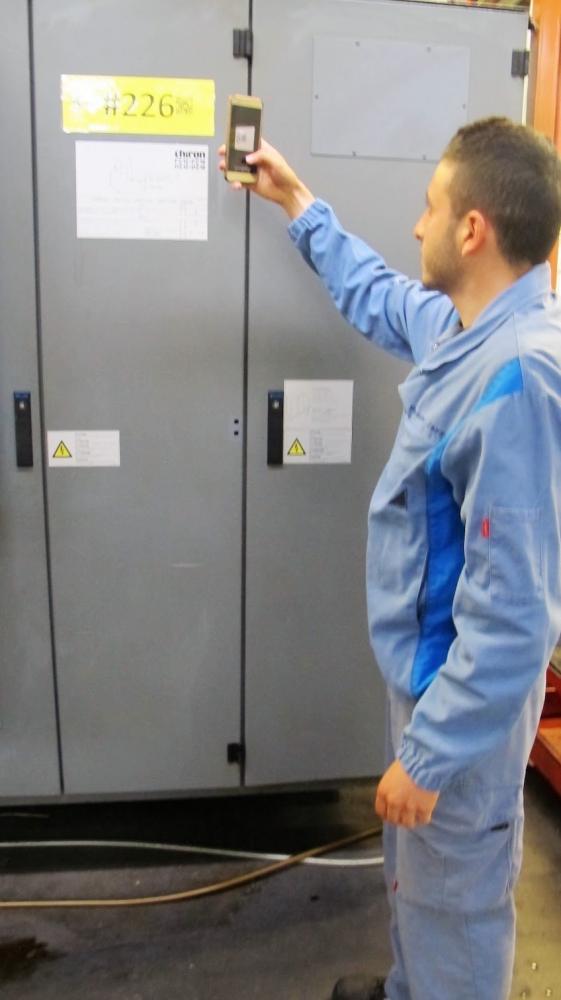
At Peugeot Japy, technicians have chosen to integrate QR Codes. All they need to do is pass by the machine to gather the data they need and not waste time. For your factory, if you don't know which model to choose, just rely on the equipment environment. If the latter is rather dusty or very dirty, opt for NFC chips instead. Otherwise, QR Codes will be perfectly adapted, quick to install, easy to use and even more affordable.
Step 4: geolocate your equipment
Once you have Appropriately named your equipment following the nomenclature recommended by Mobility Work, you can simply click on “equipment geolocation” and enter the corresponding GPS coordinates.
To illustrate some of the benefits of this feature, let's use the example of Peugeot Japy again. Maintenance technicians had great difficulties in managing all their tasks, in dealing with deadlines, in meeting the expectations of their various customers... Some technicians from the Bosch and General Motors groups therefore joined them and it is important, since they are outside the factory, that they know at the beginning the exact location of the machine on which they must work. If the factory has to use service providers and they do not know the structure, they must also be able to find their way around quickly to gain efficiency.
Step 5: Tame the tool!
To avoid technicians feeling helpless in the face of a new generation CMMS that no longer has anything to do with conventional, rather aging software, they must gradually get used to their new application. Mobile support can be completely new, as can the functionalities: the integration of a CMMS must be done gradually. At Peugeot Japy, the technicians initially had some reservations because they were used to working on paper, with all the loss of information, the lack of communication and other problems that this causes. They were also not in the habit of using a smartphone in the workplace and considered that this could present a fairly negative image, as if they were lacking in seriousness. It is therefore important to associate the approach implemented by users with a clear and encouraging message from Management.
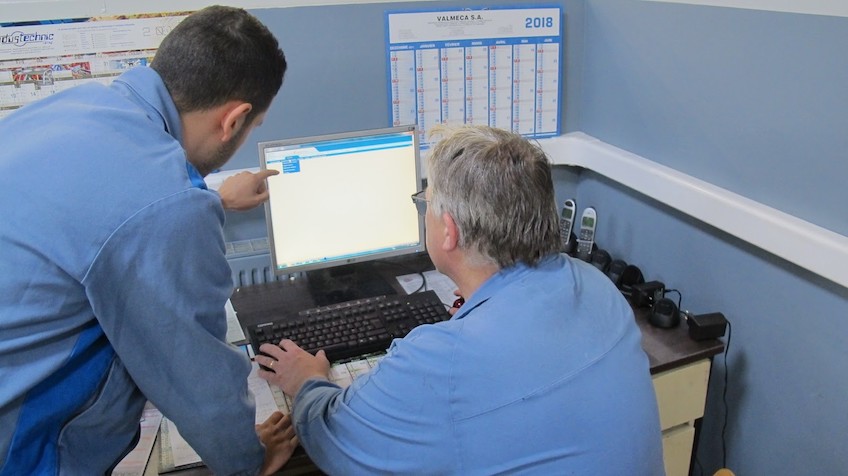
In addition, it is necessary to be able to anticipate the lack of computer knowledge of some technicians, although, according to the unanimous feedback from factories equipped with Mobility Work, they adopt their new tool in a few hours.
At PJT, now that the application is mastered, the creation of tasks, maintenance routines, the addition of equipment sheets, geolocation, the addition of documents (photos, invoices...) or even the support of the community no longer hold any secrets for anyone!
At the slightest difficulty, Mobility Work provides all its users with a Support center as well as online support, accessible directly in the application, which both provide you with an answer in a few minutes.
In conclusion:
- Equip the maintenance team with smartphones or tablets for real-time monitoring of your factory news
- Make sure you have efficient Wi-Fi
- Choose to integrate QR Codes or NFC chips
- Geolocate equipment
- Implement the tool gradually, show technicians how the tool makes maintenance more fluid, associate the right message from management
- Create your first equipment sheets, maintenance routines and other tasks!
Discover episode 2 of the web series: daily deployment
Are you interested in maintenance management and want to know more in order to increase your productivity and save money? Schedule a free video with our team to help you better manage your maintenance!
Any questions?
Contact us to discover the first CMMS that can be deployed in 3 weeks.